

On this page (12 sections)
- Why bother with a retro icebreaker
- Check-ins that feed the retro
- Async and text-first icebreakers
- Quick live openers
- Getting to know each other
- Pulse checks
- Which icebreaker for which situation
- How to run async icebreakers
- Timing: two to five minutes
- Icebreakers to avoid, and opt-out norms
- Try it in Retro Rabbit
- Related
The best retrospective icebreakers take two to five minutes and produce something the retro can use: an energy score, a one-word summary of the sprint, or a note on whether last retro's actions changed anything. Below are 25 that work for remote software teams, each with a one-line reason and when to use it, plus a picker by situation and the one situation where you should skip the warm-up entirely.
Why bother with a retro icebreaker
A retro only works if people talk, and on remote teams that's the hard part. In Retrium's 2017 survey of 277 people (Retrium is a retro tool vendor), two of the top retro challenges were exactly that, as reported by InfoQ:
Top retro challenges in one vendor survey
44%
named people not feeling comfortable speaking up
36%
named a distributed team
Derby and Larsen call the opening phase of a retro "Set the Stage" in Agile Retrospectives. A good icebreaker does that job: everyone says something early, the facilitator gets a read on the room, and the answers point to what the retro should cover. A bad one is a party game that has nothing to do with the sprint.
Check-ins that feed the retro
Use these most. Each answer is data you'll use in the next 40 minutes.
No. 1 · the default
Energy from 1 to 10, and what would make it a 10
The second half is the useful part: "a 10 would be no pager alerts on weekends" is a retro topic. Use it: any retro. Make it your default.
No. 2
The sprint in one word
Everyone answers in seconds, and five people writing "chaotic" tells you where to start. Use it: any retro, especially large teams.
No. 3
A weather report
Sunny, cloudy, stormy or foggy, plus one line on why. People can signal a rough sprint without explaining it in front of everyone. Use it: after a hard sprint, or with cross-cultural teams.
No. 4
One change you noticed from last retro's actions
If nobody noticed anything, that's your first finding. Use it: every retro that had action items.
No. 5
A highlight and a lowlight, one line each
You get two specific events that go straight onto the board. Use it: normal sprints, especially with the What Went Well format.
Async and text-first icebreakers
These work as notes posted on the board before the meeting, so the call starts with answers already in place.
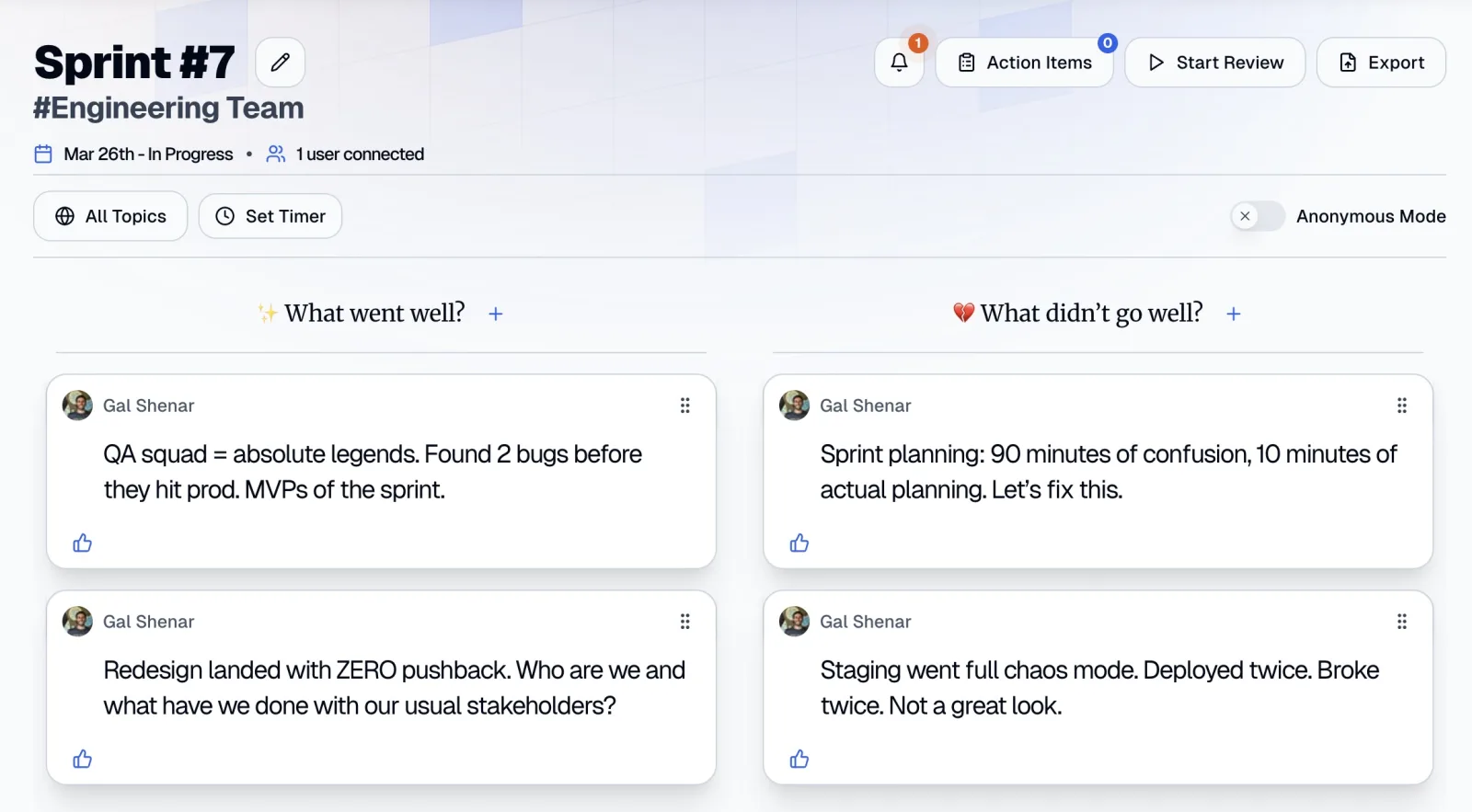
- A GIF that sums up your sprint. It says a lot without much writing, and it lightens the mood without anyone having to perform. Use it: remote and async teams, and people who'd rather not write much.
- "Today I learned" from this sprint. Engineers like trading TILs, and each one is a ready-made note for a learning column. Use it: 4Ls or What Went Well retros.
- A specific thank-you. Name one person and one thing they did. Written recognition stays on the board where everyone sees it. Use it: after a big push or a release.
- Finish the sentence: "This sprint I was surprised by..." Sentence starters are easier to answer in writing than open questions. Use it: async retros and quiet teams.
- Rose, thorn, bud. A highlight, a problem and something promising, one line each. It maps neatly onto most retro formats. Use it: new teams and async retros.
Quick live openers
For the first two minutes of a call. Go around once, one line each.
- The most annoying error message or bug of the sprint. Shared pain, usually funny, sometimes a real action item. Use it: engineers who hate icebreakers.
- The best and worst tool you used this sprint. Engineers will happily talk tools, and one line each keeps it short. Use it: after a tooling or process change.
- A tiny win nobody noticed. It surfaces invisible work and gives a low-energy room something to stand on. Use it: after a bad sprint.
- A headline for this sprint. It forces a story into eight words and usually gets a laugh. Use it: after a release or a milestone.
- The thing from this sprint you're still thinking about. Whatever is still on someone's mind is usually worth discussing. Use it: when the room is quiet.
Getting to know each other
Work-adjacent and low on personal disclosure, so nobody has to share more than they want to.
- A working habit the team should know about. "I do deep work before noon" or "I check chat twice a day." Practical, and it turns into working agreements. Use it: new teams.
- The best practice you'd bring from a previous team. It imports ideas without anyone feeling judged. Use it: a new joiner's first retro.
- How you like to get feedback. In writing, one to one, or in the room. It saves months of guessing. Use it: new teams, or after a reorg.
- The part of our system you'd explain to a new hire first, and the part you'd avoid. It shows where the knowledge and the pain live. Use it: new joiners.
- A skill you have that this team hasn't used yet. Low disclosure, and it often surfaces hidden expertise. Use it: new or cross-functional teams.
Pulse checks
- How sustainable was your pace, from 1 to 5? An early warning on burnout without a long conversation. Use it: every few sprints, or with Mad Sad Glad.
- From 1 to 5, how comfortable are you raising a problem here? It measures the thing that decides whether the retro works. Use it: only when people can post without their name shown.
- One word for how you're arriving today. It separates how people are from how the sprint went. Use it: tense weeks, but not during open conflict.
- Confidence from 1 to 5 in next sprint's plan. Low numbers raise risks before planning, not after. Use it: when the retro runs right before sprint planning.
- What would make this retro worth your time? It lets the team set the agenda and catches cynicism early. Use it: when retros feel stale.
Which icebreaker for which situation
Numbers refer to the 25 icebreakers above.
Pick 16, 18 and 10
New team
Keep it about how people work, not who they are. Save scores about feelings and comfort until the team has had a few retros together.
Pick 3, 13 or 1
After a bad sprint
Let people be honest about how it went without having to perform. Avoid anything jokey, like the headline, and anything that forces positivity, like "highlight of the sprint".
Pick 1, 2 or 6, written
Large teams
Spoken rounds don't scale: fifteen people at 30 seconds each is seven and a half minutes before the retro starts. Use written check-ins, give everyone two minutes, and read out the themes, not every answer.
Pick 1, 2 or 3
Cross-cultural teams
Use numbers, weather and short words. Avoid idioms, puns, sports, pop culture and holidays, and don't assume a shared weekend: on distributed teams it can fall on different days. Writing first gives people working in a second language time to find the words.
Pick 11, 1, 4 or 25
Engineers who hate icebreakers
Say what the icebreaker is for ("this is how we pick today's topics"), keep it under two minutes, and never call it "fun". If it feeds the retro, most people stop minding.
How to run async icebreakers
Text-first check-ins suit async retrospectives, and they save meeting time for live ones too.
-
1
Post the prompt a day or two before
Ask for one line by the start of the meeting. Notes can include GIFs, which makes icebreaker 6 easy.
-
2
Give it a home on the board
In Retro Rabbit, columns are editable and a board can have up to five, so add a "Check-in" column (the default What Went Well format has four, which leaves room for one). Column changes carry into future retros, so it becomes a standing check-in until you remove it. No column? Ask people to start a note with "Check-in:" so it's easy to spot.
-
3
Go first
Notes are visible as soon as they're added, so the first answer sets the tone. Make yours honest and short.
-
4
Drop names for pulse checks
Ask everyone to switch off Show Name so their notes post without their name shown.
-
5
Read, don't go around
At the start of the call, use the All Topics dropdown to show only the Check-in column and summarize the patterns in under two minutes.
Timing: two to five minutes
Keep it short, and use the shared timer so it doesn't drift.
| Retro length | Icebreaker time | Best type |
|---|---|---|
| 30 minutes | 2 minutes | Written, read out by the facilitator |
| 45–60 minutes | 3–5 minutes | One spoken line each, or written |
| 90 minutes | Up to 5 minutes | Spoken round or a two-part check-in |
| Any length, 12+ people | 2 minutes | Written only |
Icebreakers to avoid, and opt-out norms
Plenty of popular icebreakers quietly exclude people. Avoid these, and set opt-out norms that you say out loud the first time.
Avoid
- Home tours and "show us your workspace." Not everyone wants colleagues seeing where or how they live.
- Questions that assume pets, partners or kids. "What did the kids do this weekend?" leaves out everyone without them, and pressures people to share family details.
- "Where were you born?" or "Where are you really from?" It can single people out by origin.
- Anything physical. "Stand up and stretch" or "show us a dance move" excludes people with disabilities, injuries, or no room to move.
- Drinking. Favorite cocktail, best bar, virtual happy hour. Plenty of people don't drink, for health, faith or personal reasons.
- Forced disclosure. Embarrassing stories, "two truths and a lie", deepest fears. A retro needs trust, and these spend it.
Opt-out norms
- "Pass" is always fine, with no follow-up question and no joke about it.
- Writing counts as answering. Nobody has to speak if they've posted a note.
- Cameras are optional.
- The facilitator answers first, to model the length and the level of disclosure.
- No grading answers. A low energy score isn't something to fix in public.
Try it in Retro Rabbit
You don't need a dedicated icebreaker feature. In Retro Rabbit, add a "Check-in" column, ask the team to post a one-line note or a GIF before the meeting, and read the answers in the first two minutes. Start a 14-day free trial with no card needed: see pricing.
Related
Frequently asked questions
How long should a retrospective icebreaker take?
Two to five minutes. Two minutes is enough to read out a written one-word check-in. Five is the ceiling for a spoken round with eight people. If it runs longer, it's eating the time you need for action items.
When should you skip the icebreaker in a retrospective?
Skip it when there's open conflict in the team, right after layoffs, or after an incident where people are still shaken. A playful warm-up in those moments reads as dismissive. State the purpose of the meeting and the ground rules, then go straight to the topic.
What are good icebreakers for remote retrospectives?
Ones that work in writing and produce something the retro can use: energy from 1 to 10 and what would make it a 10, the sprint in one word, a weather report, or one change you noticed from last retro's action items. People can post them as notes before the meeting.
How do you run an icebreaker asynchronously?
Post the prompt on the retro board a day or two before the meeting and ask everyone to answer in one line. At the start of the call, read the answers and name the patterns in under two minutes instead of going around the room.
What icebreaker questions should you avoid at work?
Avoid anything that asks people to show their home, assumes a partner, kids or pets, asks where they were born, requires physical activity, or centers on drinking. Also avoid forced personal disclosure, such as embarrassing stories. Always let people pass.
How do you do icebreakers with engineers who hate them?
Make them about the work, keep them under two minutes, and say what they're for. 'Energy from 1 to 10' or 'most annoying error message this sprint' rarely gets eye-rolls, because the answers feed the retro.
Run retros that actually lead to change
Your team adds notes during the sprint, CarrotIQ groups and summarizes them and suggests action items, and unfinished items carry into the next retro.
14-day free trial · No credit card